Step 1:
Mobile User: Go to your profile section and click on the 'BO Modification' button located at the top right-hand side of the profile menu.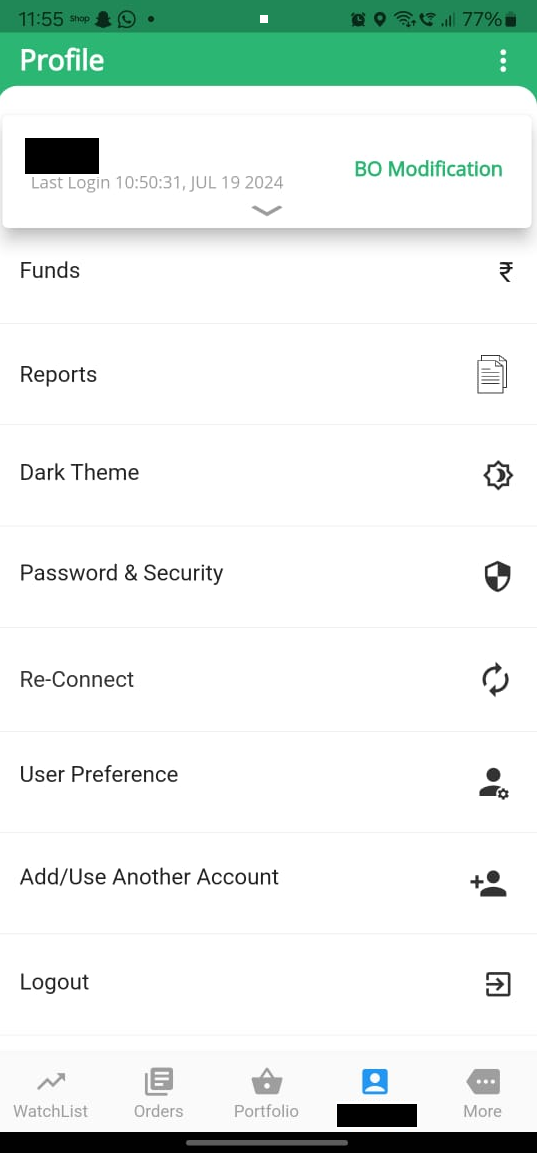

Step 2:
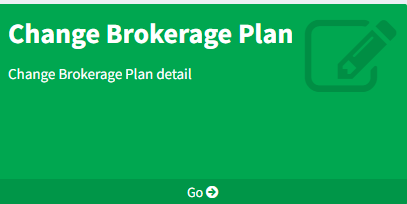
In the 'Change Brokerage Plan' box, click on the 'GO' button.
- You will be taken to ProStocks Console, where you will see the menu 'Change Brokerage Plan'.
Step 3:
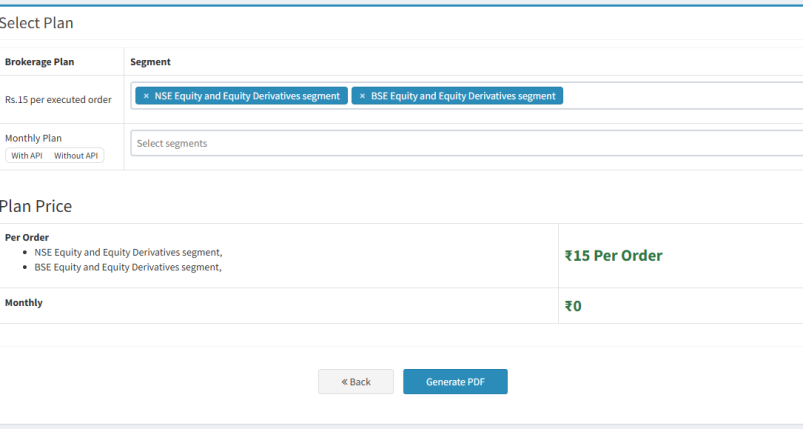
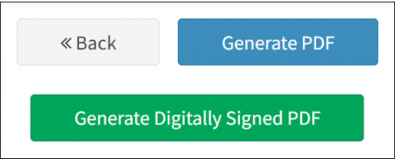
Select the required brokerage plan and segment. Click on 'Generate PDF', and then click on 'Generate Digitally Signed PDF'to complete the process.
Step 4:
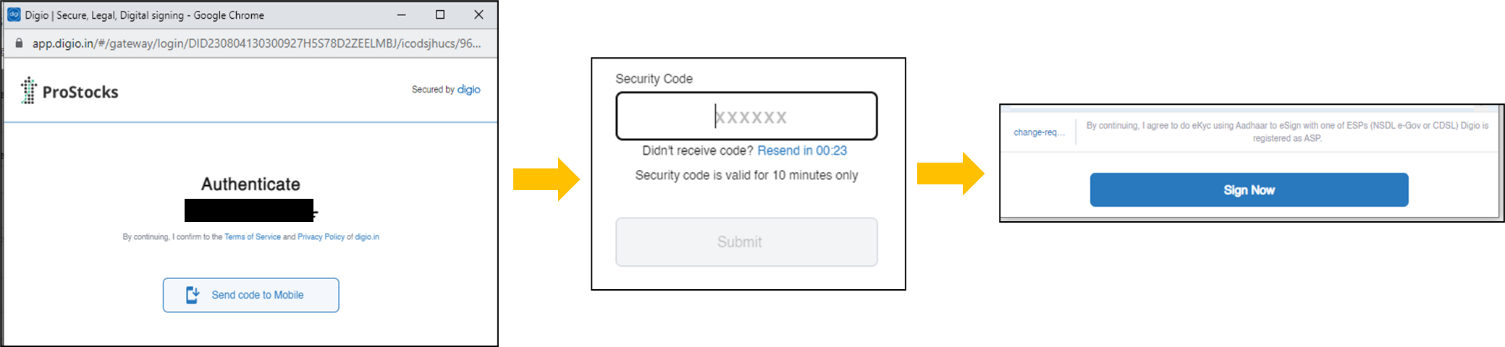
After clicking on 'Generate Digitally Signed PDF', , you’ll get an option to send an authentication code to your registered mobile number.
Confirm your mobile number and click 'Send code to Mobile'.. You’ll receive a 5-digit security code. After submitting it, click on ‘Sign Now’ to proceed to the NSDL eSign page.
Step 5:
-
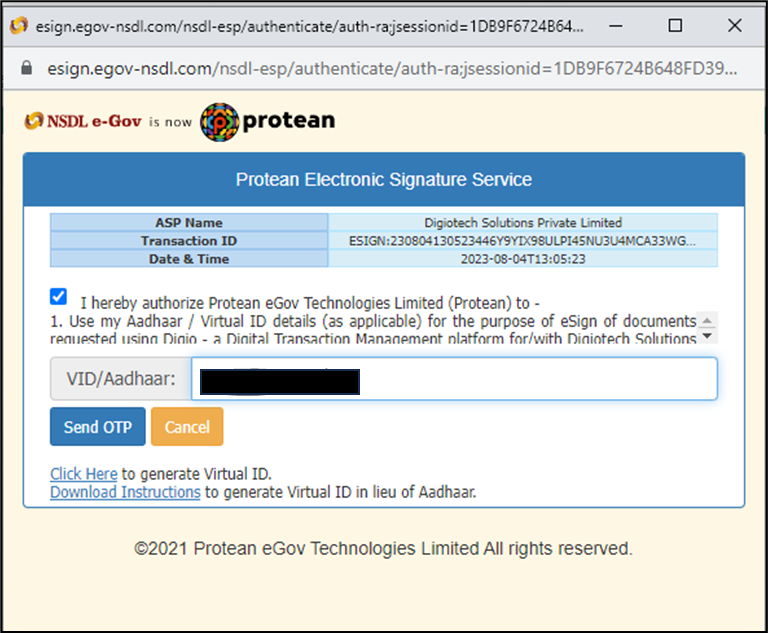
In the last step, you need to eSign using your Aadhaar number and OTP to complete the process.
After completing the eSign process, you will receive the digitally signed PDF.
Step 6:
-
Please email the duly signed KYC form to [email protected] from your registered email ID for modification.
Please Note:
- It takes around 2 working days to update the brokerage plan details in your trading account.
- A modification charge of ₹50 plus 18% GST will be applicable for making any changes to the brokerage plan. Kindly ensure that sufficient credit balance is available in your account to facilitate the deduction of these charges..
- Monthly brokerage plans are not available for non-individual accounts.
No approved comments yet.